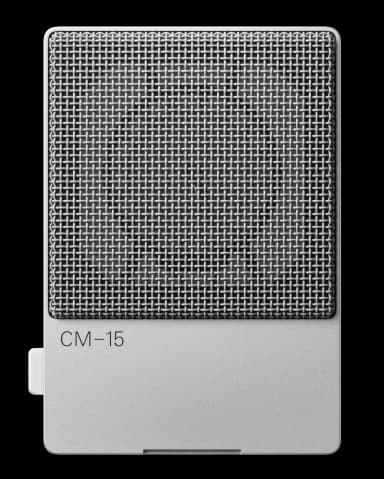
CM-15 FAQ

10 answers to the most common questions about the Teenage Engineering CM-15. Can't find what you need? Ask the AI.

How do I get started with the CM-15?

Getting started is straightforward. Flip the power switch to ON (green LED indicates powered and charged), set up the microphone using the built-in st...

How does phantom power work on the CM-15?

The CM-15 accepts 48V phantom power through its mini XLR output. This provides the highest quality audio path and is recommended for studio recording....

How do I use the pad/gain switch?

The pad/gain switch on the CM-15 adjusts the analog gain applied to all three outputs without affecting sound quality. It has three positions that han...

How do I connect the CM-15 via USB-C?

The CM-15 works as a class compliant audio interface when connected via USB-C. Turn the microphone on first, then plug the USB-C cable into your compu...

How does the CM-15 work with the field system?

The CM-15 integrates seamlessly with other field system products through its compact design and multiple output options....

How do I use the CM-15 for podcasting?

The CM-15 is excellent for podcasting with its studio-grade condenser capsule and flexible connectivity. Position it on the built-in stand or tripod a...

How do I use the CM-15 with a camera?

The CM-15 connects directly to your camera's audio input using the 3.5mm mini jack output on the bottom of the microphone....

How do I use the CM-15 as a USB audio interface?

The CM-15 functions as a class compliant USB audio interface when connected to your computer. Simply turn it on before connecting, or it will only cha...

What sample rates does the CM-15 support?

The CM-15 supports four sample rates when connected via USB-C: 44.1 kHz, 48 kHz, 88.2 kHz, and 96 kHz....

How do I mount the CM-15 on a tripod?

The CM-15 includes a standard tripod adapter that works with any mic stand or tripod using 1/4" or 3/8" threading....

Have a different question?

Ask the AI assistant anything about your CM-15

Ask a Question →