
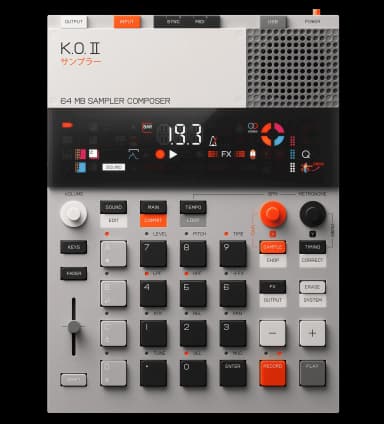
◆ make a beat
How to make techno on the KO II
Straight kick, minimal percussion, and texture from resampling and FX. Techno relies on repetition and gradual change.
128-140 BPM · Straight, driving, dark.
the steps
- 1Set techno tempo.Hold TEMPO around 132 BPM.
- 2Driving kick.Step-sequence a four-on-the-floor kick in Group A, with a sparse clap or rim.
- 3Build a repeating texture.Sample a synth or noise stab, then resample the loop to stack and time-stretch it into an evolving bed.
- 4Carve movement.Sweep the filter and add delay for dub-techno space.
- 5Perform changes live.Use punch-in FX to drop and reintroduce elements during playback.
◆tips
- Change one element at a time.
- Keep a mono, repetitive bass under the kick.
Want to go deeper?
Ask the assistant anything about making techno on your KO II.
Device steps reference the official KO II manual. Musical guidance is general production advice.