
◆ make a beat
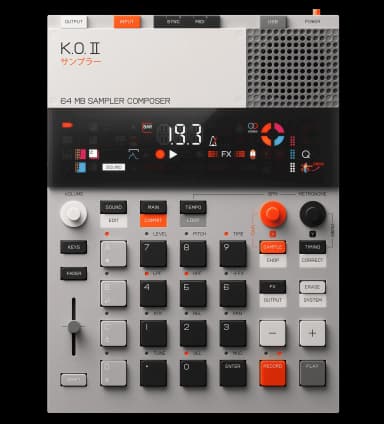
How to make ambient on the KO II
No drums needed. Sample a pad or texture, stretch it with resampling, and use heavy reverb and delay.
free / 60-80 BPM · Slow, evolving, beatless or very sparse.
the steps
- 1Capture a tone or texture.Press SAMPLE and record a pad, field recording, or held chord.
- 2Stretch it into a bed.Resample to stack and time-stretch the sample into a long evolving drone.
- 3Play it melodically.Use KEYS mode to play the texture across pitches.
- 4Create depth.Push reverb high and add long delay feedback.
- 5Evolve slowly.Sweep the filter by hand over the loop instead of programming drums.
◆tips
- Use the fader to ride levels for slow swells.
- Layer two or three resampled textures at different pitches.
Want to go deeper?
Ask the assistant anything about making ambient on your KO II.
Device steps reference the official KO II manual. Musical guidance is general production advice.