
samplerEP–133
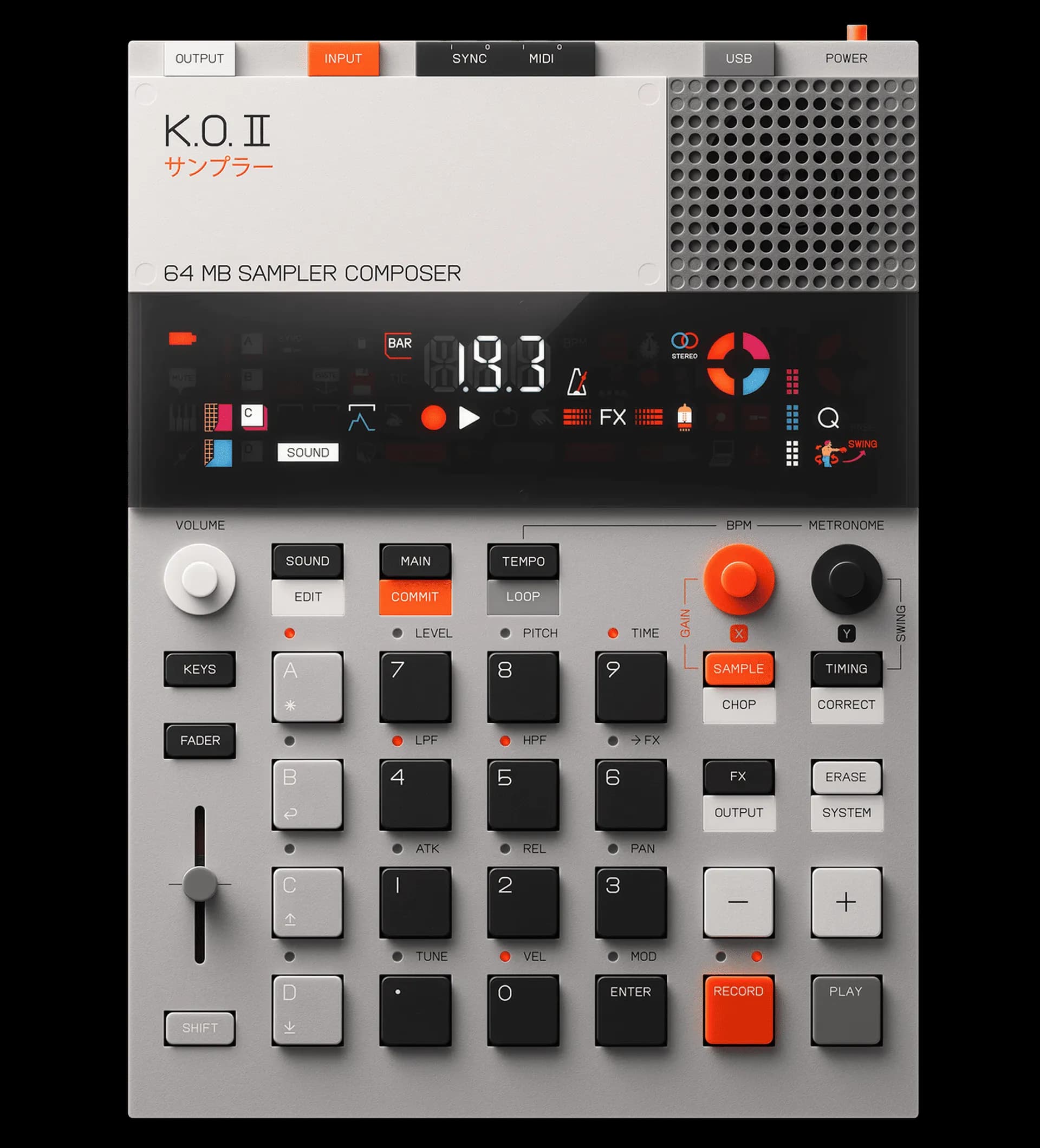
K.O. II
tap a control to explore it
mastery · interactive tracks
Master the KO II
Hands-on lessons that walk you through the KO II one step at a time, lighting up each control on the device. The first track is free, and one $29 pack (or Pro) unlocks all 13 tracks.
One purchase unlocks every KO II track: Pro ($20/mo) or the one-time mastery pack ($29 total, not per track). Track steps reference the official manual.
KO II mastery tracks
- Your First Beat: Go from silence to a looping beat on the EP-133 in about five minutes.
- Sample Your Own Sounds: Record anything, your voice, a record, a synth, straight onto a pad.
- Chop a Sample: Slice a loop across the pads and rearrange it into something new.
- Sequence Like a Drummer: Step-sequence tight drums, add swing, and chain patterns into a song.
- Play Melodies in Keys Mode: Turn any sample into a playable instrument across the keyboard.
- Resample & Sound-Design: Bounce a part back in to stack effects and build new textures from your own sounds.
- Perform with Punch-in FX: Use Punch-in FX 2.0 live: hold and tap pads for fills, drops, and stutters.
- Move It with Fader Automation: Record fader movements for filter sweeps and grooves that breathe.
- Make a Lo-Fi Beat: Build a dusty lo-fi hip-hop loop: soft drums, a mellow sample, swing and filter.
- Flip a Sample (Boom-Bap): Chop a soul or funk loop into a head-nod boom-bap beat.
- Build a Techno Loop: A driving four-on-the-floor loop with rolling hats, ducking, and FX tension.
- Mix & Finish Your Track: Balance the levels and glue the whole track with the master compressor and FX.
- Capstone: Full Track, Start to Finish: Arrange your scenes in Song mode into a complete track, then capture it.